Smart Home Upgrades: 10 Devices That Are Actually Worth It
Ten smart-home upgrades ranked by real-world value — the ones that save money, save time, and don't turn into landfill in three years.

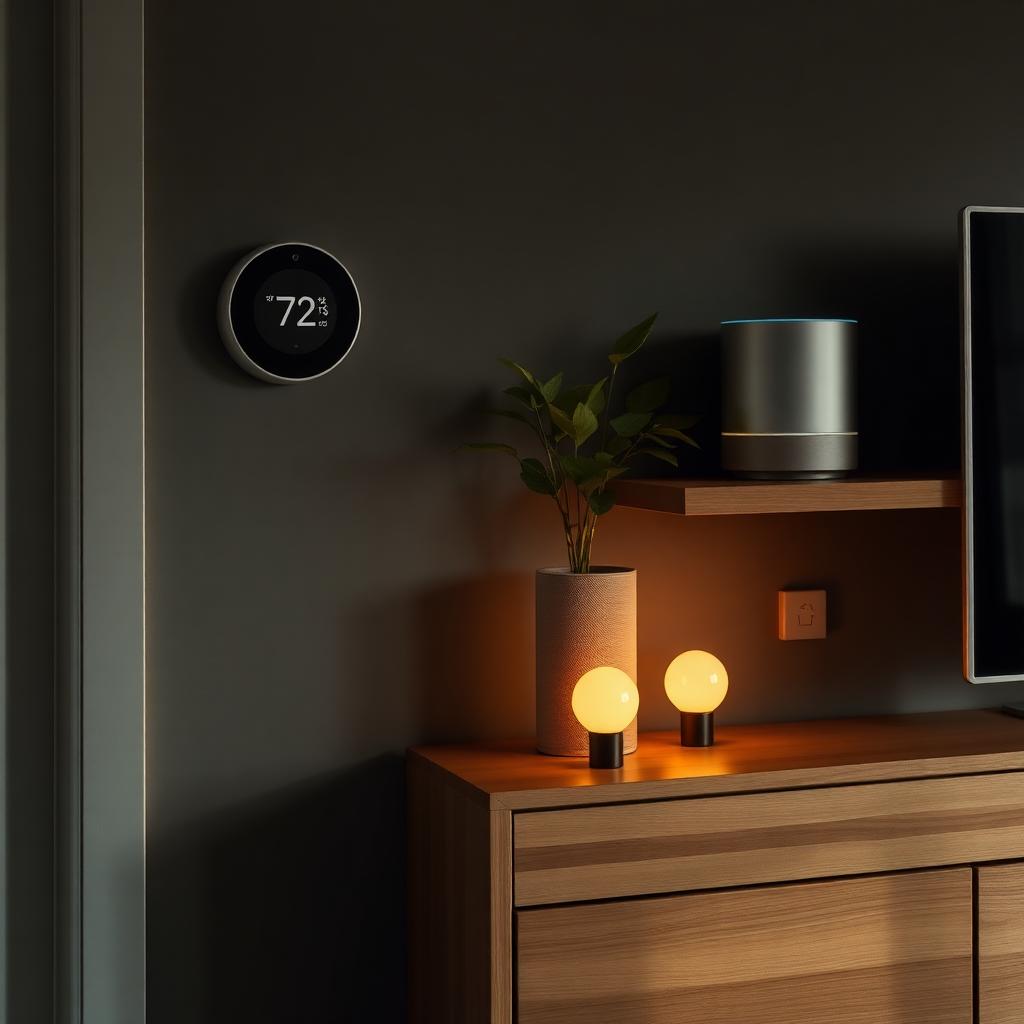
Smart-home marketing wants to sell you sixty devices. You need about ten, and only if they solve a real problem. This is the honest ranking after installing, using, and (in a few cases) removing dozens of smart-home products across three homes over five years. Every device on this list either saves money, prevents damage, or removes a daily friction — the ones that fail those tests didn't make the list.
The value framework
Before buying any smart device, ask three questions: (1) does it solve a problem you actually have? (2) does it work if the internet goes down? (3) will it still be supported in five years? Anything that fails two of the three is a bad buy — no matter how many stars it has on Amazon.
1. Smart thermostat
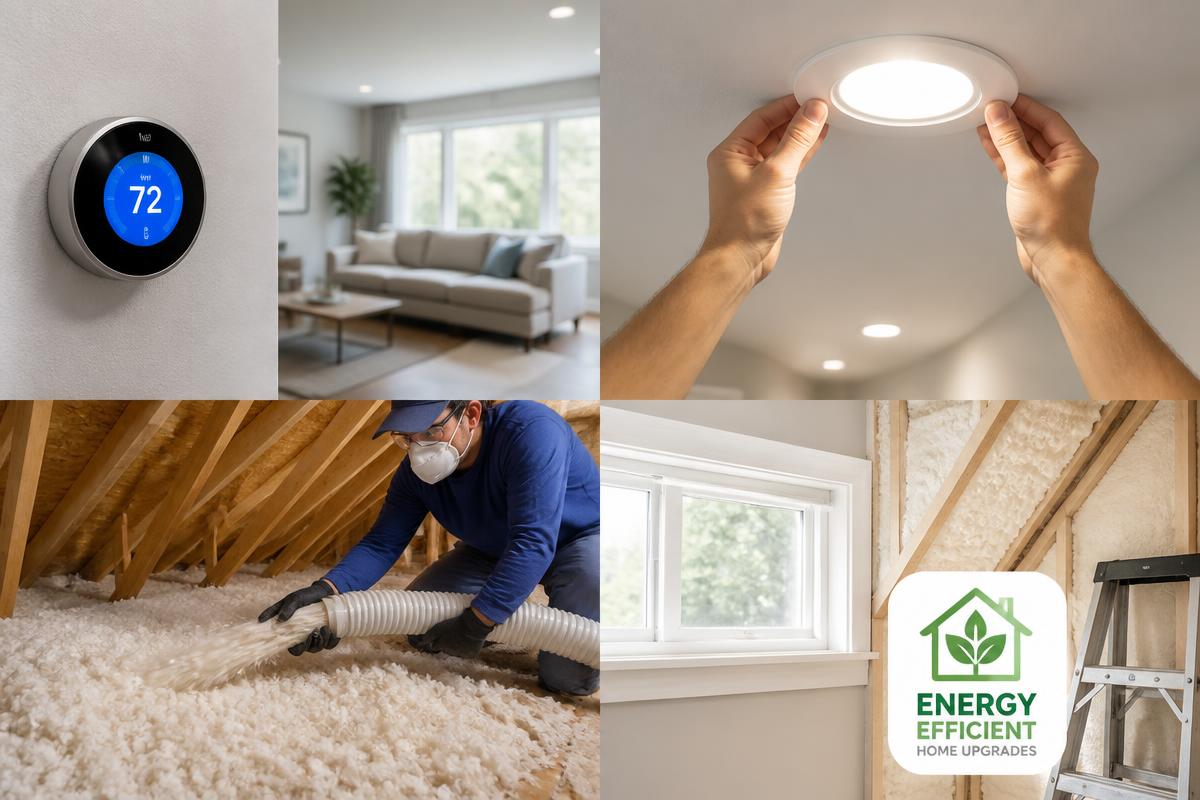
The highest-return smart device by a wide margin. A Nest, Ecobee, or Honeywell smart thermostat saves 8–15% on heating and cooling costs by learning your schedule and setting back temperatures when you're out. Payback is usually 1–2 years. Bonus: remote control from your phone means you can pre-heat before you get home from a weekend trip. Just make sure your HVAC is compatible before buying.
2. Smart bulbs (in key rooms)
Not every bulb needs to be smart. But smart bulbs in the entryway, kitchen, and living room let you set warm dimmed evenings, brighter mornings, and vacation schedules that mimic occupancy. Buy the good ones (Philips Hue, Wiz) — the cheap ones drop connections and turn off randomly. Skip smart bulbs in closets, garages, and any room with a physical switch a guest might use.
3. Smart plugs
The cheapest, highest-utility smart device. Put "dumb" lamps, fans, coffee makers, and holiday lights on smart plugs and they get smart-home schedules and voice control for $10 each. A Christmas tree that turns on at 6 p.m. and off at 11 p.m. automatically is a small joy. Look for plugs with energy monitoring — occasionally revealing how much a device actually costs to leave on.
4. Video doorbell
Package theft, unexpected visitors, and knowing who's at the door before you open it. A wired video doorbell (Ring, Nest, Eufy) is the smart-home upgrade family members notice immediately. Buy one with local storage if privacy matters to you — the subscription-only cloud models are cheaper up front and more expensive over time.
5. Smart lock
Only worth it if you use the specific features: no more hiding keys under doormats, temporary codes for guests or contractors, remote lock/unlock. If you always carry a key, a smart lock is a solution looking for a problem. When it fits your life, it changes it — I've forgotten a physical key for four years and don't miss it.
6. Water leak sensors
The unsexy device that saves the most money. A $20 sensor under the washing machine, water heater, and dishwasher texts you the moment it detects water — before the leak becomes a $10,000 floor replacement. Every home should have three or four. This is the single smart-home upgrade I recommend most often and the one most people skip.
7. Smart smoke + CO detectors
Modern smart smoke/CO alarms (Nest Protect, First Alert Onelink) talk to each other, tell you which room the alarm is in over your phone, and give a spoken warning before a full alarm sounds — useful when the cause is burnt toast, essential when it isn't. Life-safety devices are not the place to save money; buy from established brands with a decade of track record.
8. Smart garage opener
Cheap upgrade with outsized value: know whether the garage door is open from anywhere, close it remotely, get alerts if it opens unexpectedly. MyQ, Meross, and Tailwind are the mainstream options. About $50 and 30 minutes of installation.
9. Smart irrigation controller
If you have an in-ground sprinkler system, a smart controller (Rachio, Rain Bird Wi-Fi) uses local weather data to skip watering before rain and reduce water 20–50%. Rebates from local water utilities often cover the cost. Only makes sense with an existing system — don't install irrigation just to smart-controller it.
10. One smart speaker (not five)
A single smart speaker in the kitchen is genuinely useful for timers, playing music, and shopping lists. Smart speakers in every room become privacy debt and usually go unused. Start with one; add more only if you actually use the first one. Choose based on which voice assistant you already use — the differences between platforms matter more than the differences between speakers.
What to skip
Smart refrigerators (screens die, fridges live 20 years), smart faucets (batteries always dead when you need them), smart toothbrushes with subscriptions, most smart home hubs (built-in support in modern devices makes standalone hubs redundant for most households), and any device from a small brand with unclear long-term support. Landfill in three years is not a smart home.
Privacy and security
Every internet-connected device is a small attack surface. Put smart-home devices on a separate Wi-Fi network from your computers and phones. Buy from brands that publish security updates. Turn off features you don't use (guest wake-word listening, always-on cameras, remote listening). A "smart home" that leaks your data isn't smart.
Sequencing upgrades
If you're starting from scratch: (1) smart thermostat, (2) water leak sensors, (3) smart plugs for a few lamps, (4) video doorbell, (5) smart bulbs in one room to test, (6) everything else based on lived experience. Don't buy the whole ecosystem in one weekend — you'll never use half of it.
Frequently asked questions
- What is the best smart-home device to start with?
- A smart thermostat — it pays for itself, works with your existing HVAC, and doesn't require any new habits.
- Do smart-home devices actually save money?
- Thermostats and irrigation controllers, yes — 10–30% on relevant utility bills. Most other devices save time, not money.
- Are smart-home devices safe from hackers?
- Reasonably safe from name-brand vendors on an updated router, especially on a separate IoT Wi-Fi network. Avoid off-brand devices with no clear security update policy.
Frequently asked questions
- Best smart-home device to start with?
- A smart thermostat — it pays for itself and doesn't require new habits.
- Do smart-home devices save money?
- Thermostats and irrigation controllers, yes — 10–30% on relevant bills. Most others save time, not money.
- Are they safe from hackers?
- Reasonably safe from name-brand vendors on a separate IoT Wi-Fi network with regular updates.